
Research Computing
What We Offer
- HPC compute for batch and interactive workflows.
- GPU resources for AI/ML training and inference.
- Data services for storage, transfer (Globus), and large datasets.
- Research software support (containers, environments, performance).
- Consulting & onboarding to help choose the right compute solution.
- Training through workshops, office hours, and documentation.
Research Computing at the University of Kentucky provides shared high-performance computing systems, GPU resources, research data infrastructure, and expert consulting that enable researchers to perform computational and data-intensive work at scale.
These services are operated collaboratively by ITS Research Computing & Infrastructure (ITS-RCI) and the Center for Computational Sciences (CCS). Together, these systems provide thousands of CPU cores, GPU-accelerated resources, and tens of petabytes of storage supporting computational research across many disciplines at the University of Kentucky.
On this page
- What is Research Computing?
- When should I use Research Computing?
- Research Compute Clusters
- Accessing CCS Systems
- How do I get started?
What is Research Computing?
Research computing enables researchers to run analyses and simulations that exceed the capabilities of local machines.
Common examples include:
- parallel simulations and scientific modeling
- large-scale data analysis
- artificial intelligence and machine learning workloads
- high-throughput computing workflows
- computational pipelines used in fields such as genomics, engineering, and social science
These workflows typically run on shared computing systems designed to support large numbers of users and computational jobs.
When should I use Research Computing?
Research computing resources may be helpful if:
- your code takes hours or days to run on a workstation
- you need to run hundreds or thousands of jobs
- your analysis requires many CPU cores or large memory
- your project requires GPU acceleration
- your research generates large datasets that must be processed or analyzed
CCS can help researchers evaluate computational workflows and determine the appropriate approach.
Research Compute Clusters
UK’s research computing environment includes several computing platforms designed to support different research workloads across campus. These systems provide CPU and GPU resources for simulation, data analysis, and large-scale computational workflows.
Technical specifications, system architecture, and operational documentation are maintained in our documentation.
Lipscomb Compute Cluster (LCC)
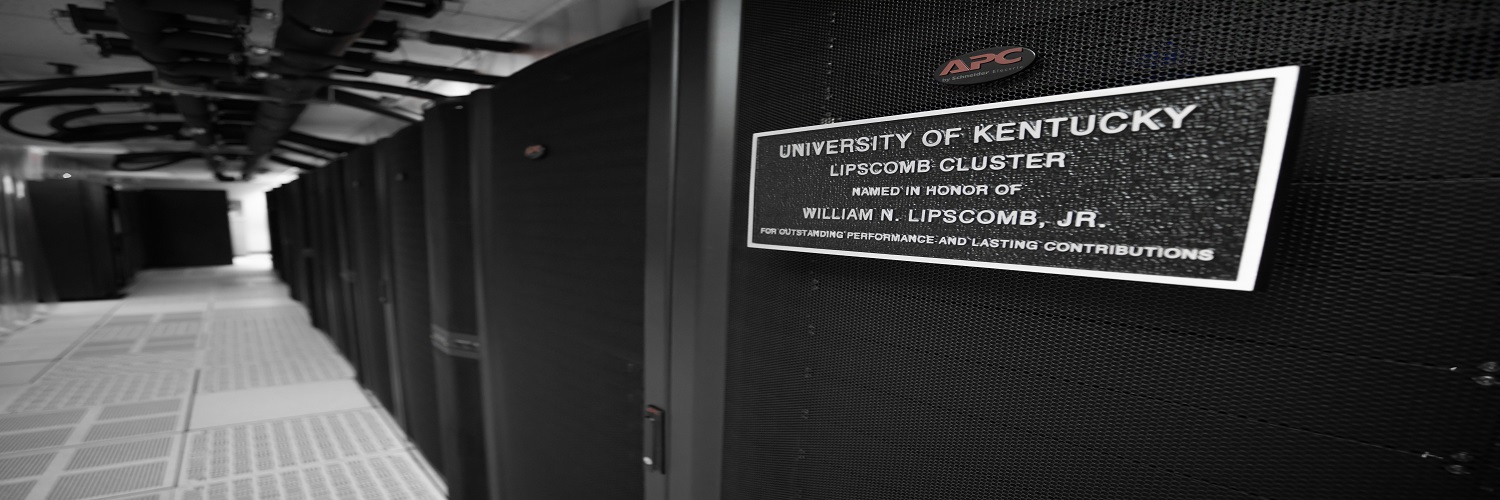
The Lipscomb Compute Cluster is a general-purpose high-performance computing system based on Intel processors. NVIDIA GPUs are available for accelerated applications such as machine learning and scientific computing. High-memory nodes are available for memory-intensive analyses.
Morgan Compute Cluster (MCC)
The Morgan Compute Cluster is a CPU-focused high-performance computing system built on AMD EPYC processors. High-memory nodes are available for applications requiring large shared memory.
EduceLab Compute Cluster (ECC)
The EduceLab Compute Cluster is operated in partnership with EduceLab to support research in cultural heritage science and digital heritage. ECC includes NVIDIA GPU resources used for advanced imaging, computer vision, and machine learning workflows.
National Research Resources
CCS participates in national research computing initiatives, including the NSF ACCESS program and the NAIRR Pilot. Through these programs, UK contributes computing infrastructure and collaborates with partner institutions to provide researchers with access to large-scale national cyberinfrastructure.
CCS helps UK researchers obtain allocations on ACCESS systems and identify appropriate national resources when research needs extend beyond campus computing capacity.
Accessing CCS Systems
Researchers typically interact with UK’s research computing resources through several supported access methods.
Web-based access – Open OnDemand
(Recommended for new users!)
Many users access CCS resources through Open OnDemand, a web-based portal that provides access to interactive desktops, terminal sessions, and applications directly from a browser.
Open OnDemand is recommended for:
- interactive computing sessions
- Jupyter notebooks and data analysis
- graphical applications
- basic job submission workflows
Open OnDemand Portals: LCC | MCC | ECC
Open OnDemand Documentation
Command-line access (SSH)
Researchers can connect to systems using SSH to develop code, manage data, and submit computational jobs.
Computational jobs are submitted through the Slurm scheduler, which manages shared computing resources across CCS systems.
SSH Login Instructions
Navigating the Command-Line
Data transfer
Large research datasets can be transferred using tools designed for high-performance research environments.
Common tools include:
Globus Documentation
Rclone Documentation
How do I get started?
New to Research Computing?
Begin with the Getting Started guide to understand access, basic workflows, and next steps.
Ready to request access?
Submit an account request to begin using Research Computing resources.
Need help planning your approach?
Request a consultation to discuss your project’s computational needs.
Have a specific issue?
Submit a support request and our team will assist you.